
Guide and Vehicle Management Software for Sri Lankan DMCs
Most Sri Lankan DMCs run guides and vehicles from notebooks, WhatsApp groups and memory. It works until peak season, when it fails at the worst time. Here is what to record and how to assign without clashes.
Travify Team
Travel Operations Experts · April 13, 2026 · Updated October 6, 2026
In short: Guide and vehicle management means keeping every chauffeur guide, national guide and tour vehicle in one structured record: licence type, languages, daily rate, seat count, per-km rate, insurance expiry and availability by date. For a Sri Lankan DMC (destination management company) it replaces WhatsApp searches and memory with filtering and assignment, which prevents double-bookings in peak season and lets any team member assign the right guide and vehicle quickly.
It is 15 December, the peak of Sri Lanka's high season. A confirmed 10-day tour starting 22 December needs a German-speaking chauffeur guide and a van for a family of five with luggage. You scroll through WhatsApp trying to remember which guides speak German, who is already booked over Christmas, and which vehicles seat five plus bags. Three calls later you find someone, and two more confirmations have landed meanwhile. This scramble repeats every season, and the cause is not a shortage of guides or vehicles but the absence of a system for managing them.
Key takeaways
- Guide and vehicle data at most Sri Lankan DMCs lives in personal phone contacts, notebooks and WhatsApp threads, so it leaves with whoever holds it.
- Sri Lanka has three guide types that matter for assignment: chauffeur, chauffeur guide and national guide; assigning the wrong type can cause problems at heritage sites and national parks.
- A useful guide record holds licence type and expiry, languages, daily rate and a vehicle link; a vehicle record holds category, seat count, per-km rate and insurance expiry.
- Availability by date is the field that prevents double-bookings; a free/busy view per guide and vehicle replaces the phone-around.
- Guide daily rates and vehicle per-km rates stored once in LKR feed every transport costing and remove rate guesswork.
Why is guide and vehicle information so hard to find at most Sri Lankan DMCs?
Because it was never written down in one place. A Sri Lankan DMC, the local inbound tour operator that runs tours sold by overseas travel agents, typically works with a network of freelance guides and chauffeur guides plus a mix of owned and contracted vehicles. The facts about them sit in whichever phone, notebook or chat thread recorded them first.
| Information | Where it usually lives | What goes wrong |
|---|---|---|
| Guide phone numbers | Personal phone contacts | Only one team member has the full list |
| Guide languages | Memory or a notebook | New staff do not know which guides speak which languages |
| Guide availability | WhatsApp messages | No central calendar, so double-bookings happen |
| Guide licence type | Photocopy in a file folder, if at all | Cannot quickly filter chauffeur guides from national guides |
| Vehicle details | Registration documents in a drawer | Capacity, model and condition not readily accessible |
| Vehicle insurance status | Insurance papers in a file | Expiries missed; vehicles run without valid insurance |
| Vehicle maintenance schedule | Mechanic's word of mouth | Breakdowns during tours; no preventive maintenance |
| Guide-vehicle pairings | Operator's memory | Wrong vehicle assigned to a guide who cannot drive it |
Scattered guide and vehicle information is a single point of failure. If the person who "knows everything" is sick, on leave or resigns, the operational knowledge walks out of the door with them. It is the same knowledge-in-one-head problem that stalls tour operators trying to scale.
What are the tour guide licence types in Sri Lanka?
Sri Lanka licenses tourist guides through the Sri Lanka Tourism Development Authority (SLTDA), and for assignment purposes a DMC deals with three types: chauffeur, chauffeur guide and national guide. Assigning the wrong type can create problems at heritage sites such as Sigiriya and in national parks such as Yala, where licensed guiding is expected.
Chauffeur
A chauffeur is a professional driver without guiding credentials. Chauffeurs suit self-guided travellers or bookings where a site guide is arranged at each destination. They handle driving, the vehicle and basic logistics at a lower daily rate than guides, which makes them cost-effective for budget-conscious bookings.
Chauffeur guide
A chauffeur guide both drives and guides, holding a driving licence and a guide licence. It is the standard assignment for FIT (free independent traveller) bookings, meaning private tours for individuals, couples and families rather than groups. Most Sri Lankan DMCs build their roster around chauffeur guides because one person covers transport and commentary.
National guide
A national guide is a licensed guide who provides in-depth guiding but does not drive. National guides are used for group tours with a separate coach driver, specialised heritage or wildlife tours, and premium bookings where a dedicated guide plus a chauffeur is part of the experience. They typically hold more advanced training in history, culture or wildlife.
Guide licences are renewed periodically. Record the licence type, number and expiry date for each guide and review expiries before assigning, so an unlicensed guide is never put on a tour. That mistake creates legal and insurance exposure for the DMC, not only for the guide.
What should a guide and vehicle CRM record?
A guide and vehicle CRM, meaning a structured resource database rather than a generic address book, should record the facts you filter on when assigning a tour: who can legally guide, who speaks the guests' language, who is free on the dates, and what the vehicle can carry. Everything else is secondary.
Guide profile fields
- Identity and contact: full name, phone numbers, email, address, NIC number and an emergency contact
- Licence: type (chauffeur, chauffeur guide or national guide), licence number, issuing authority and expiry date
- Languages: every language spoken with a proficiency level, because language is the first filter when matching a guide to a guest nationality
- Specialisations: wildlife, cultural heritage, adventure, culinary or photography
- Vehicle link: the vehicle the guide drives, whether they own it, and which other vehicle categories they can drive
- Photo: a recent professional photo for agent introductions
- Availability: free, booked with dates, or blocked out for leave, illness or a seasonal break
- Performance notes: guest feedback, commendations and issues from past tours
- Rate card in LKR: daily rate, overnight allowance, airport pickup and drop rates, waiting charges
- Bank details for payment and settlement
Vehicle profile fields
- Identity: make, model, year, colour and registration plate
- Category and seats: sedan, SUV, minivan, luxury car or coach, with maximum and comfortable capacity (a 7-seater van is comfortable for four guests with luggage)
- Status: active, inactive, or in maintenance with an expected return date
- Insurance: insurer, policy number, cover type and expiry date
- Registration and compliance: revenue licence, fitness certificate and emission test dates
- Rates in LKR: per-km rate, daily rate where used, and airport transfer rate
- Maintenance log: service dates, mileage at service, issues found and next service due
- Assigned guide: the current guide-vehicle pairing
Vehicle essentials checklist
Every tour vehicle should carry a fixed set of safety, comfort and documentation items, checked before departure. A vehicle that leaves without water, a charger or an umbrella makes a poor first impression; one without a first aid kit or fire extinguisher is a safety risk.
- Safety: first aid kit, fire extinguisher, inflated spare tyre, jack and wheel wrench, emergency triangle
- Comfort: water bottles, tissues, wet wipes, Lightning and USB-C charging cables, power inverter
- Weather: one umbrella per guest, sunscreen, insect repellent
- Documentation: vehicle registration copy, insurance copy, guide licence copy
- Tour-specific: binoculars for Yala or Wilpattu safaris, a cool box for long transfer days, blankets for hill country nights around Nuwara Eliya
Why do travel agents ask for guide details before confirming a booking?
Because the guide is the product. A travel agent, the overseas B2B partner that sells your tour to the end traveller, wants to show their client who will be looking after them. European and North American agents increasingly ask for the guide's name, photo, languages, experience and specialisations before confirming, especially on premium tours.
Without a structured record, answering means calling the guide, asking for a photo they may not have in a presentable format, and assembling details from memory. With one, a guide introduction sheet is lifted straight from the profile. In the premium segment, where the agent has several Sri Lankan DMCs to choose from, that speed and polish is often what wins the booking.
Spend one afternoon photographing your regular guides in clean attire against a neutral background and store the photos against their profiles. The investment pays back every time an agent asks for guide details, because a professional photo immediately raises the perceived quality of your operation.
When does a guide and vehicle system pay for itself?
It pays for itself the first time a tour would otherwise have gone out late, unlicensed or uninsured. Three situations recur every season at Sri Lankan DMCs; the figures in them are illustrative examples, not benchmarks.
Scenario 1: last-minute guide replacement
Your assigned guide falls sick two days before a 10-day tour. Without a system, you phone guides one by one, trying to recall who speaks French, who is free and who has a suitable vehicle, and the afternoon disappears. With one, you filter by language, licence type and availability on the tour dates, see the candidates immediately and reassign in a fraction of the time.
Scenario 2: insurance expiry mid-tour
A vehicle's insurance lapses on day six of a 14-day tour. Without a recorded expiry date, you discover it at a police checkpoint, with a fine, a delay and an unhappy guest. With the expiry recorded against the vehicle, renewals are visible well before the date and the vehicle is never assigned across a lapse.
Scenario 3: peak season capacity planning
It is November and, as an illustrative example, 35 confirmed bookings fall in December and January. Do you have enough guides and vehicles? Without a system you cross-reference an inbox of bookings against availability held in your head. With one, you see free and busy guides and vehicles across any date range, spot the gaps and contract extra resources weeks ahead rather than days. Peak season planning for December to March covers the rest of that preparation.
How do guide and vehicle rates feed tour costing?
Guide and vehicle rates enter a costing as two inputs: a guide daily rate in LKR multiplied by tour days, and a vehicle per-km rate in LKR multiplied by the route distance, plus allowances. Costing them correctly depends on having the rates recorded per guide and per vehicle category rather than remembered.
| Rate component | What it varies by | Why it matters in costing |
|---|---|---|
| Guide daily rate | Licence type, languages, experience | A national guide for a German group costs more than a chauffeur for an English-speaking couple |
| Overnight allowance | Flat rate per night; may vary by location | Often forgotten in costings; compounds over multi-day tours |
| Airport transfer rate | Fixed rate; may differ for arrivals and departures | Needs to be included for each airport transfer in the itinerary |
| Vehicle daily rate | Vehicle category and capacity | A luxury SUV for two guests is priced differently from a minivan for six |
| Per-km rate | Vehicle category; some operators charge base plus per-km on long legs | Critical for accurately costing transfers to remote destinations such as Arugam Bay or Jaffna |
| Waiting time | Hourly rate for waiting during excursions | Relevant for city tours and multi-stop days |
When those rates live in the same system as your costing, the transport section uses the vehicle category's per-km rate and the guide's daily rate directly, with no lookups or guesswork. The hidden cost of manual mileage calculation explains why the per-km leg is where most transport costings go wrong.
How Travify manages guides, vehicles and assignments
Travify keeps guides and vehicles as records inside the same system as bookings and costings, and routes every confirmed booking to the Transport department for assignment. The workflow runs like this:
- Records: guide records hold licence type, languages, specialisations, years of experience, a rating and daily rate (LKR); vehicle records hold make, model, year, number plate, category, seat count, per-km mileage rate (LKR), insurance, an essentials checklist (common items plus any you add) and a status of available, in use, maintenance or retired. A guide can be linked to the vehicle they drive, and an existing roster can be imported from a spreadsheet, PDF or image for review rather than retyped. A guide or vehicle owner can also be emailed a form to fill in their own details, and the team member who sent it is notified when it is submitted.
- Requests: when a booking is confirmed it appears in Transport as a request. KPI tiles show new requests, unassigned tours starting within seven days, tours on the road today and tours awaiting closure.
- Assignment: assigning a guide and a vehicle shows free or busy for each date of the tour, blocks overlapping assignments, suggests the guide's own vehicle and warns when the seat count is below the party size.
- Availability: a timeline shows one row per guide and vehicle with block-outs for leave or maintenance, so peak-season capacity is visible across any date range.
- Documents: the guide itinerary, tour advance sheet and technical visits sheet are generated for the assigned guide and emailed from the user's own Gmail or Outlook, with send history recorded.
- Closure: closing the tour records odometer readings and extra expenses, which creates a payable in Finance automatically, so guide and vehicle costs reach settlement and profit tracking without re-entry.
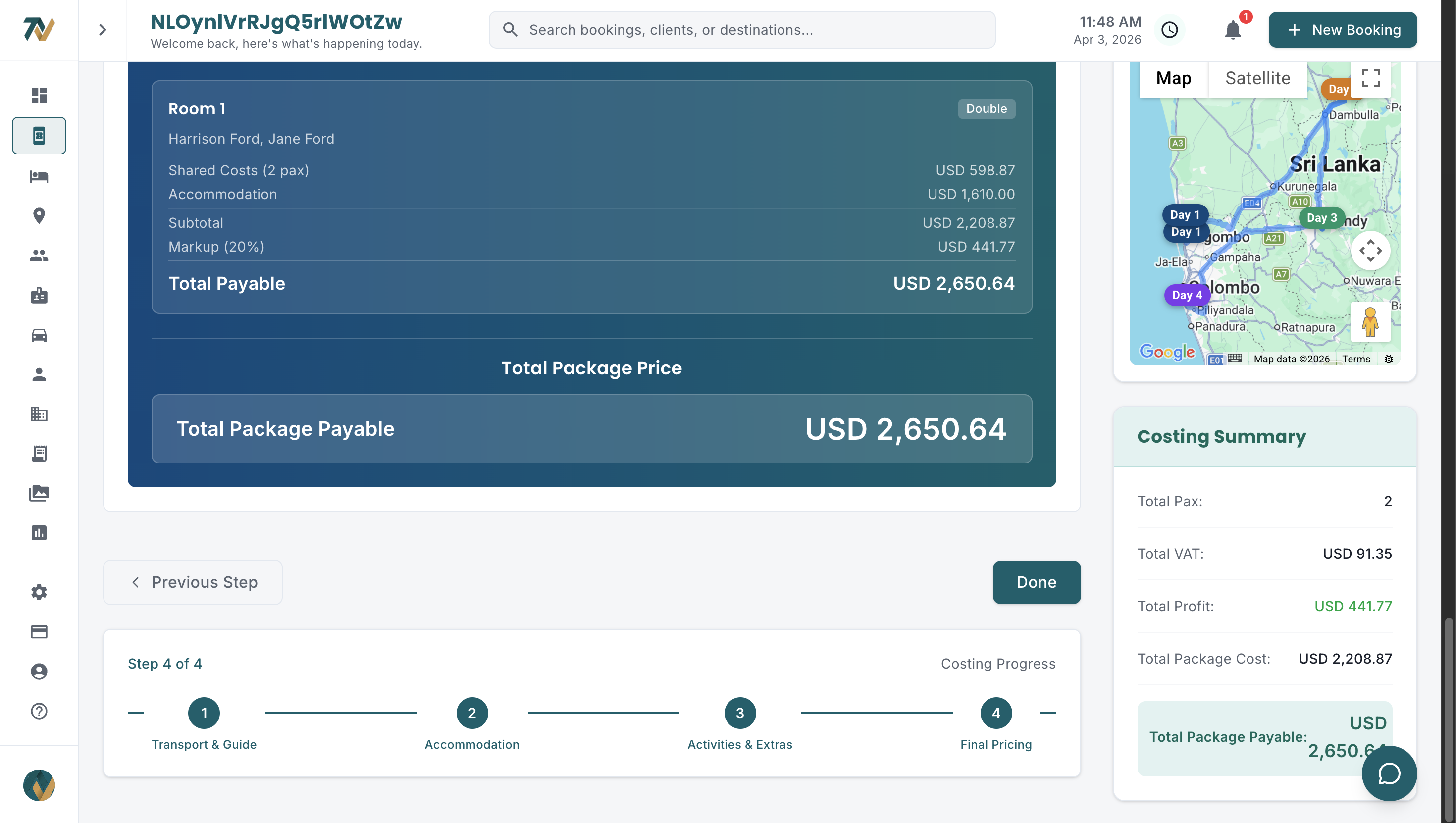
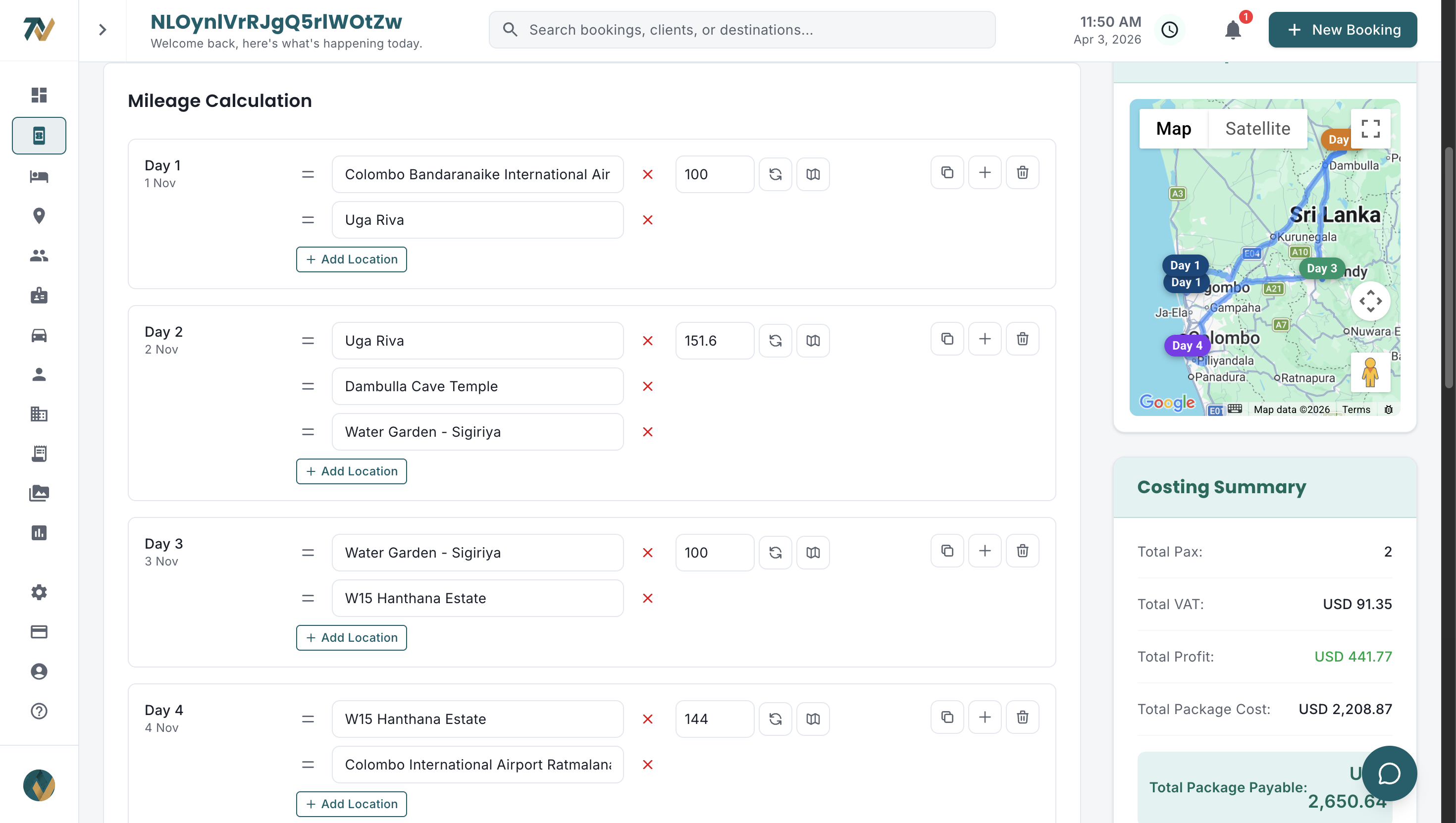
- Costing: distance and mileage are calculated automatically by vehicle type using the per-km rates set in Company Preferences, where an admin can also add custom vehicle types with their own names and per-km rates, and guide daily rates are costed per tour day.
Menus and pages adapt to each person's job title, so a transport coordinator works from the request queue without touching costings. See the full operations workflow or compare plans; every plan starts with a free trial.
How do you start building a guide and vehicle database?
Start with the guides you use most and the fields you filter on, then expand.
- Enter your core guides: list the 10 to 15 guides you use most often with their contact details, licence type, languages and current daily rate. These handle most of your bookings.
- Add their vehicles: for each owner-driver, enter the vehicle alongside the guide and link the two. Create separate records for company-owned or contracted vehicles.
- Collect photos: ask each guide for a recent photo or schedule a short session, and store the photos for agent introduction requests.
- Set up rate cards: enter daily rates, overnight allowances and any special rates for airport transfers or premium services, all in LKR.
- Expand gradually: add the remaining guides and vehicles over the following weeks, updating each profile as you work with that guide on a live booking.
Get your guide and vehicle data under control
Travify gives every team member the same guide profiles, languages, availability, vehicle details, insurance and rates, and assigns both to confirmed bookings without clashes. Stop scrolling WhatsApp and start assigning with confidence.
Start your free trialarrow_forwardFrequently asked questions
Ready to Streamline Your Operations?
Join Sri Lankan travel companies already saving hours every week with Travify.
Related Articles
Manual Mileage Calculation: Hidden Costs for Tour Operators
Checking Google Maps for every transfer, day trip and airport pickup wastes hours each week and produces transport costs that drivers later dispute. What manual mileage calculation really costs, and the fix.
Peak Season Booking Management: A Guide for Sri Lankan DMCs
Sri Lanka’s December to March peak can double or triple a DMC’s live bookings with the same team. Here is how to run a status workflow, quote faster and keep vouchers moving without burning out.
How to Scale a Tour Operation from 10 to 100 Bookings a Month
Manual processes that work at 10 bookings a month break at 20, 40 and 80. Here is where Sri Lankan DMCs hit the wall, the six systems that get them past it, and a realistic rollout order.